Local and online co-op describe different setups
For two people at the same computer, look for a local or shared/split-screen feature in the PC edition. A game can let two friends connect online without offering a second local player. The edition matters, so a console demonstration is not sufficient evidence for the PC setup.
With native online co-op, check access for both participants and the exact combination of platforms. Do not assume that the words multiplayer, cross-platform and co-op are interchangeable. Read the named game's current official requirements before arranging the evening.
Remote Play Together shares the host's local game
Valve describes Remote Play Together as a way to invite friends into supported local multiplayer games over the internet. One person owns and runs the game; guests receive its video and audio and send their inputs back. Guests do not need to purchase their own copy for that streamed session.
Launch a supported game, invite a friend through Steam, then manage the players and their input access. Valve says the game is shared rather than the host's desktop, and keyboard or mouse access can be limited. The game's own multiplayer design still determines what you can do together.
Sources: Valve — Steam Remote Play Together, invitations and streaming
 Portal 2
Portal 2 lists Remote Play Together on Steam. The host streams a supported local session to an invited player.
Official screenshots: Portal 2A Friend's Pass is specific to its game
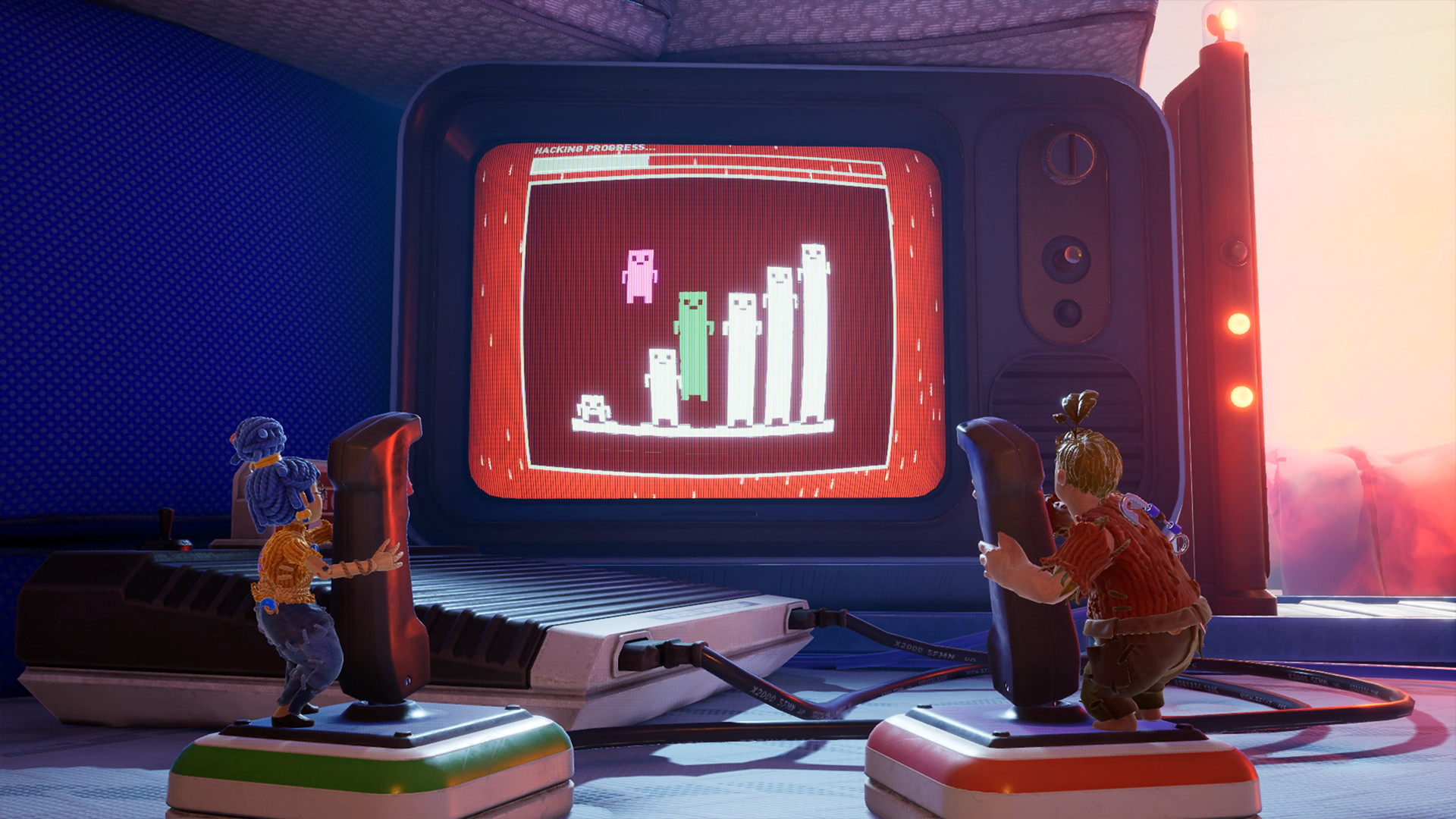
It Takes Two and Split Fiction advertise Friend's Pass access. For Split Fiction, the published terms require one user to own the full game for a guest to play the full game, along with a pass installation, internet connection and applicable accounts. This is not a permanently free copy of the full game for both people.
Check the current pass page for the title and platforms you plan to use. Do not transfer a compatibility claim from one Hazelight game to another: a similarly named pass does not establish identical cross-play or account rules.
Sources: Split Fiction — official Friend's Pass and account terms · It Takes Two — official Friend's Pass listing
Separate an access problem from a streaming problem
If the invitation is unavailable, first check the feature listing, account and game version. Buying another controller or changing graphics settings will not create a multiplayer mode the game does not support.
If a Remote Play Together guest can join but the stream feels delayed, compare the host's normal local play with the guest's experience. Pause unrelated downloads and try a more stable network connection. Test a short, forgiving section together before committing to a long or timing-sensitive session; this is a practical diagnostic, not a latency guarantee.
Sources: Valve — Steam Remote Play Together, invitations and streaming
Choose with a simple setup question
Ask: are we sharing one screen, streaming one person's local game, or each running the game ourselves? Once that is clear, check access and input requirements for that method. This prevents a game-night invitation from turning into an unexpected shopping or account-setup session.
- Same room and one PC: start with shared-screen co-op.
- Different homes and one copy: check Remote Play Together support or an official Friend's Pass.
- Each player runs their own copy: check native online co-op and the exact platform pairing.