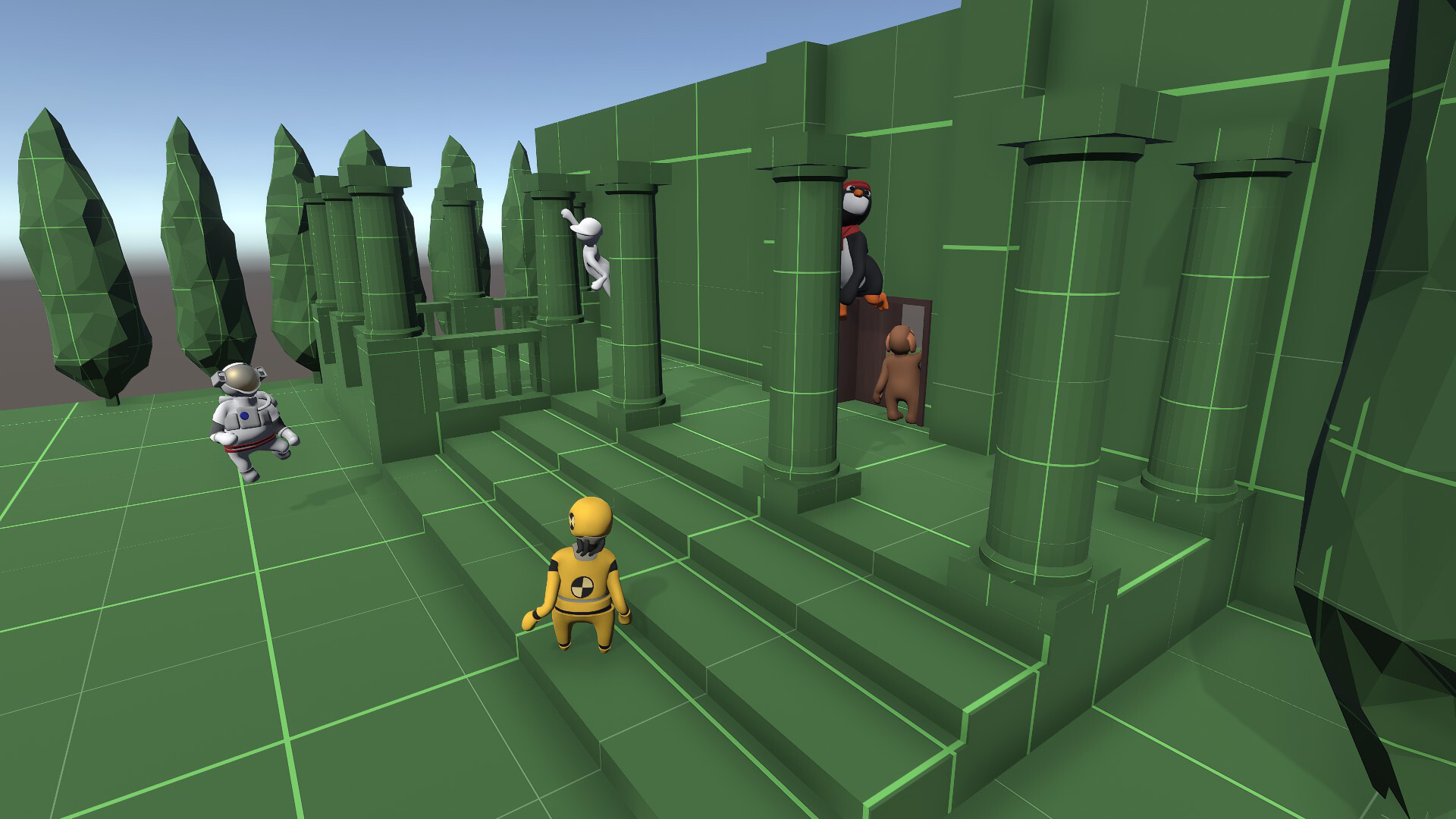
It Takes Two: make the evening a shared adventure
It Takes Two builds its adventure around two participants, with a story about Cody and May and a succession of cooperative challenges. Steam lists both shared-screen and online co-op. That makes it a candidate whether you share a sofa or plan a later session from different homes.
Our reason to shortlist it is shared commitment: you are choosing something to return to together. Before starting, agree whether you want a continuing story or a game that lets you rotate partners freely. Watch an ordinary movement section together; a welcoming visual style alone does not tell you how comfortable the controls will feel.
Sources: It Takes Two — official Steam description and co-op features
Split Fiction: choose it when learning is part of the fun
Split Fiction puts two writers inside changing science-fiction and fantasy situations. Steam confirms shared-screen and online co-op, plus cross-platform multiplayer. Its changing abilities are a reason to consider it when both people want to stay actively involved.
For tonight's decision, ask how each of you reacts to a new mechanic. If discovery and a few failed attempts sound entertaining, put this near the top. If one person mainly wants to unwind while the other handles difficult actions, compare a gameplay preview with your expectations first.
Sources: Split Fiction — official Steam description and multiplayer features
 Split Fiction
Split Fiction: a different world, and a different set of things to learn together.
Official screenshots: Split FictionPortal 2: leave room for both people to have the idea
Portal 2 includes a cooperative campaign separate from its single-player story, and its Steam feature list includes shared-screen co-op. The attraction here is a pair of people reasoning about space, portals and what each player needs to do.
Choose it when discussion is the activity you want. If one person has solved the chambers before, agree on a hint rule: ask before explaining, and give the other player time to experiment. Stop a preview once you understand the controls; seeing the answer to a puzzle is a poor way to decide whether you would enjoy solving it.
Sources: Portal 2 — Valve's campaign description and Steam features
 Portal 2
Portal 2 rewards a conversation. Keep previews brief so you can discover the solutions yourselves.
Official screenshots: Portal 2Overcooked! 2: agree that mistakes are part of the evening
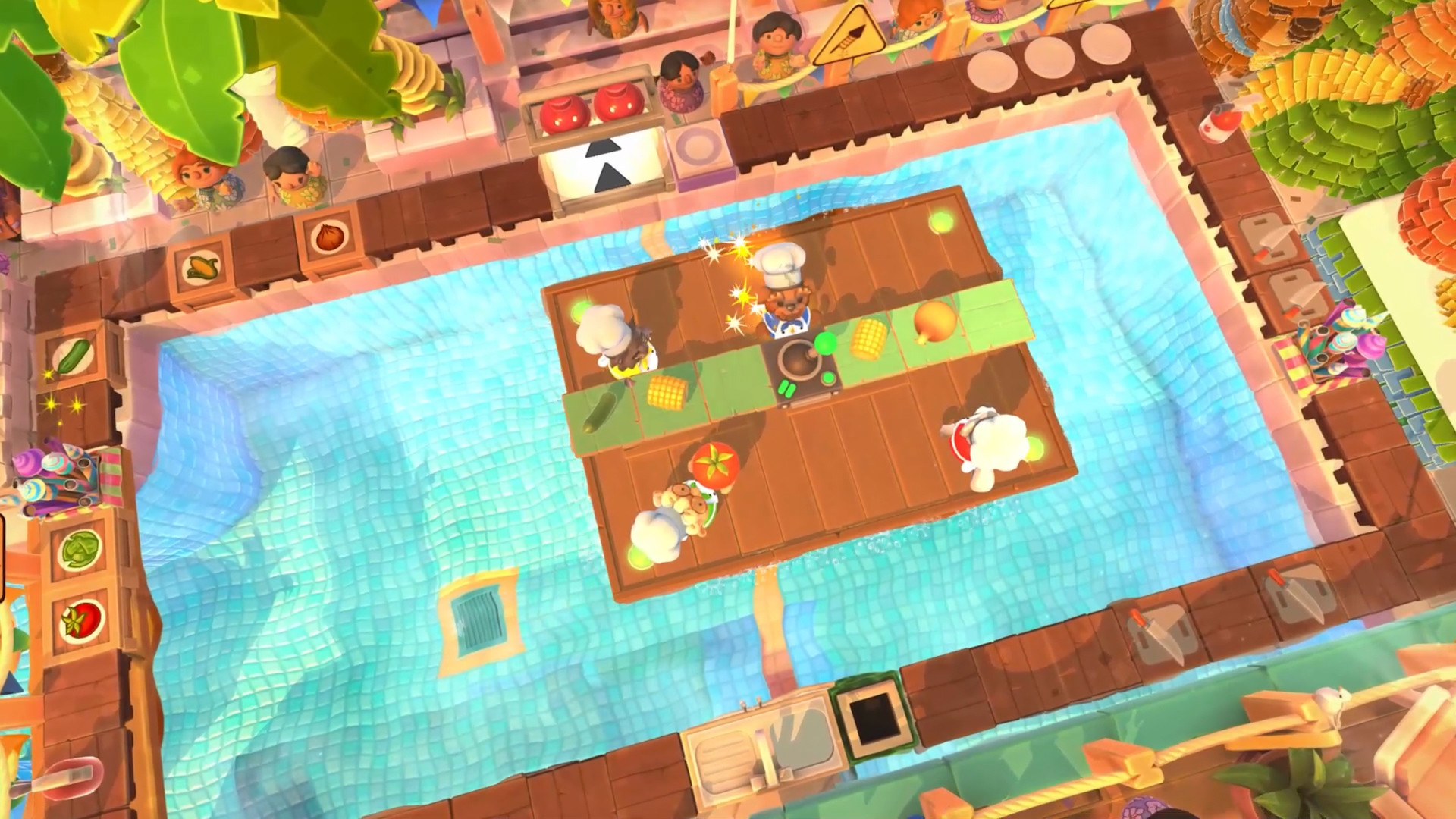
Overcooked! 2 supports local or online play for up to four people, so two players can form a small kitchen team. Its cooking tasks make coordination visible: someone needs to move ingredients, prepare food and keep orders moving.
This is our pick for people who enjoy turning a messy attempt into a better plan. It is less convincing as a default for a tired couple simply because it looks cheerful. Before the first round, agree to describe what the kitchen needs instead of blaming the person who missed it. Reassign jobs after an attempt if the current split is not fun for both players.
Sources: Overcooked! 2 — official player count and local-play description
 Overcooked! 2
A busy kitchen makes the teamwork visible. Decide whether that pressure is the fun you want tonight.
Official screenshots: Overcooked! 2Do a two-minute setup check before you commit
This is an editorial shortlist for different preferences, not a scored ranking or a claim that every household will enjoy the same game. Compatibility comes from the linked Steam pages; the fit advice is CouchLoot's interpretation of each game's format. We do not claim hands-on testing of your hardware or controller combination.
- Confirm Shared/Split Screen Co-op in the PC edition's official feature list. Online Co-op alone does not establish that two people can use one PC.
- Connect both input devices and check that each person can join the intended mode. Do this before a long opening sequence.
- Sit at your normal distance from the screen and check text size and the divided view.
- Agree on a stopping point and how you will ask for help. A good game-night choice includes both people's comfort.