Separate claiming from playing
A claim can be urgent even when playing is not. Epic’s support page says a giveaway must be claimed during its indicated period, while its free-games directory separates weekly giveaways from free-to-play games. If the verified claim takes only a minute or two, add it to the correct store account before the deadline, then return to the question of what you will actually play.
Do not make an uninstalled claim win tonight merely because it was free. Downloads, launchers, account linking, updates, settings, and tutorials all spend the same limited evening. Claiming protects an opportunity; playing should still be chosen by available time and attention.
Sources: Epic Games Store Support: missed free-game claim windows · Epic Games Store: current giveaways and free-to-play directory
Name the kind of access before you count it
‘Free’ is not one entitlement. Valve’s current documentation defines free-to-keep as a time-limited promotion that permanently grants a license, and free-to-play as a game whose base package is free while paid DLC or in-game purchases can still exist. A temporary free weekend is different again because its license expires.
Subscription access is also separate from ownership. Amazon’s current Luna terms say subscription content is available during the subscription period and that the Luna Standard selection can change. Some membership offers instead redeem a code or entitlement with a named PC store; read that specific offer rather than assuming every Prime or Luna label means the same thing.
- Free to keep: claim before the deadline and retain the granted license under the provider’s terms.
- Free to play: the base game costs nothing, but optional purchases may exist.
- Subscription library: access depends on an active benefit and current catalog availability.
- Membership claim or code: check the required membership, redemption store, region, and deadline.
Sources: Valve Steamworks: Free to Keep promotions · Valve Steamworks: Free to Play games and optional purchases · Amazon Luna Terms: subscription access and rotating availability
Run the ten-minute return test
Load one old save before opening more store tabs. Give it ten minutes to answer four questions. If the answers become clear and you feel curious about the next step, keep playing. If the session still feels like reconstruction work, stop the test rather than spending the evening proving that you can remember.
- What am I trying to do next?
- Can I perform the basic actions without fighting the controls?
- Do I understand the immediate consequences of my inventory, build, or party choices?
- Is there a reachable point where I can save and stop tonight?
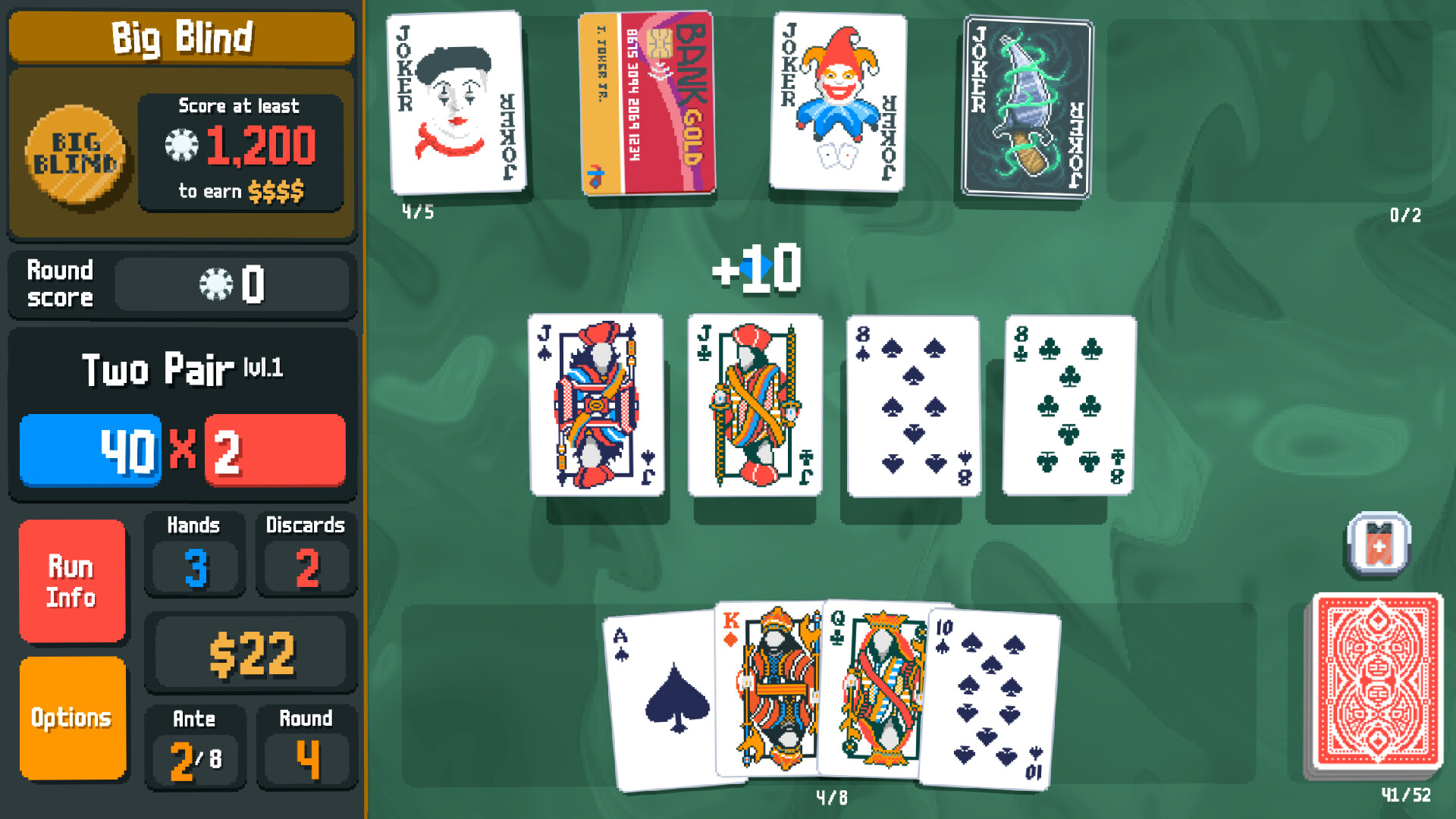 Balatro
Balatro’s visible cards and scoring make the repeated loop easy to inspect, but this official screenshot does not prove how your own run resumes.
Official screenshots: BalatroUse re-entry support without turning it into homework
A quest summary, chapter recap, objective list, practice area, control reminder, or on-demand tutorial can turn a difficult return into an easy one. Microsoft’s accessibility feature criteria describe on-demand tutorials as a way for players to refresh core controls and mechanics without losing progress. They also identify flexible saving and adjustable difficulty as useful forms of player control.
Use a recap or control screen to answer one specific uncertainty, then return to play. If you are still rebuilding a forgotten inventory, party, quest chain, or control scheme after the ten-minute test, the save is not the low-cost option tonight.
Sources: Microsoft Accessibility Feature Tags: tutorials, saving, and difficulty
Count the real first session of a new game
Starting fresh is not automatically easier. Check download state, sign-in requirements, introductory cutscenes, character creation, settings, and when manual or automatic saving becomes available. A new game is a good tonight choice when that opening is part of the appeal, not an obstacle between you and the part you want.
Preview early, ordinary gameplay rather than a montage. You need to know whether the opening teaches at a comfortable pace and whether your available session reaches a satisfying checkpoint.
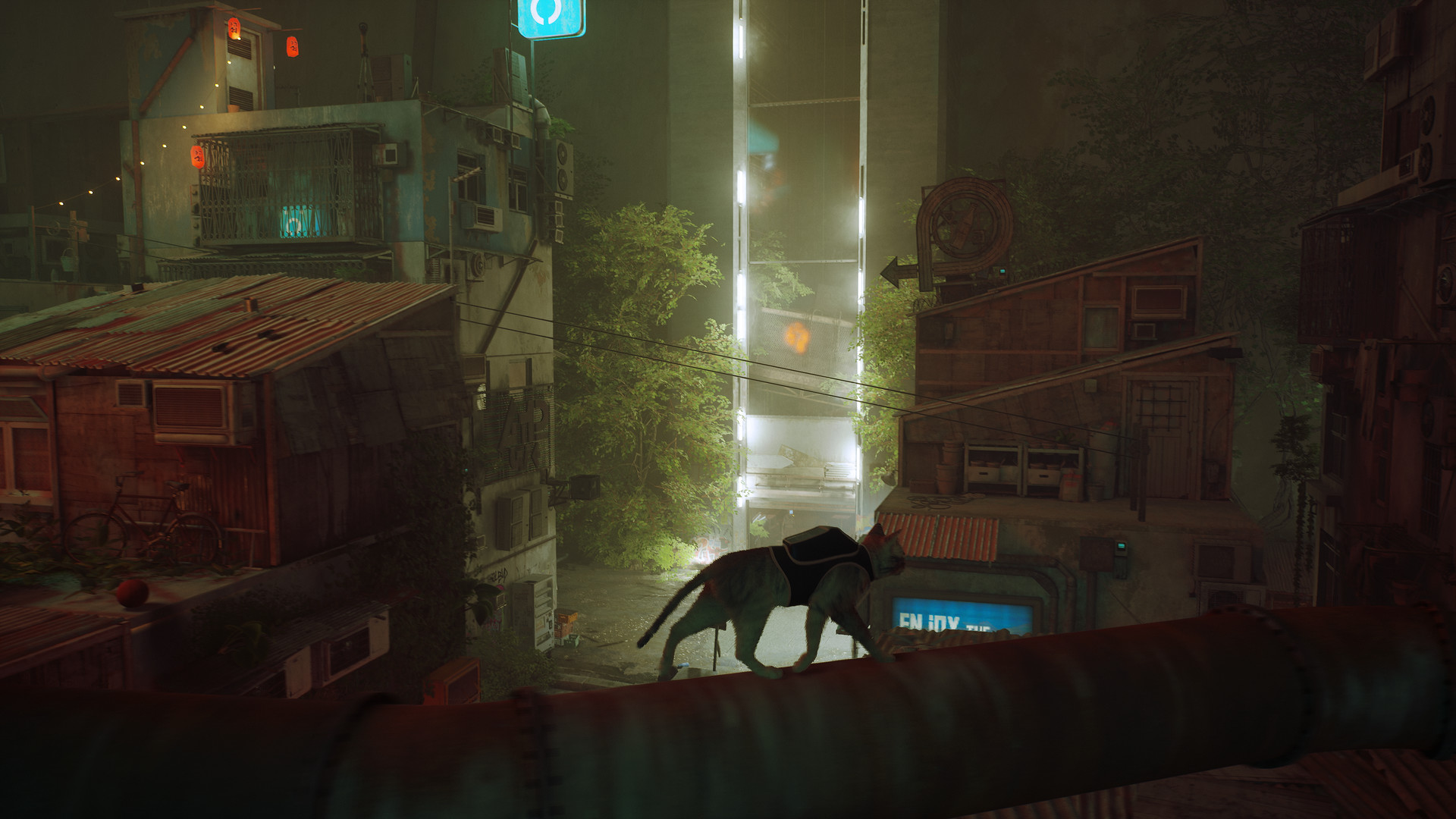 Stray
StrayStray’s new place brings curiosity, but the official screenshot cannot show installation, tutorial, or save costs. Count those before starting.
Official screenshots: StrayProtect one installed fallback
Keep one already-installed game that reaches ordinary play quickly. It is the fallback when a new claim needs a large download, a launcher needs repair, or the old save fails the return test. The goal is not a universal comfort game; it is one option whose controls, update state, and stopping point you already understand.
A short run, match, chapter, or day can work well, but verify the real mode before relying on it. Online games may add queues, patches, or an unpausable session. A quiet-looking single-player game may still have a long opening or infrequent saves.
Separate interest from backlog pressure
Past hours explain why a save matters; they do not require you to continue it tonight. A free claim also creates no obligation to install it now. Ask whether you want the next thirty minutes, not whether an unfinished file or an unplayed license deserves repayment.
If you still want the old game but the save is opaque, a temporary restart can refresh the opening controls. If the newly claimed game is more appealing but not ready, put it in the library and play the installed fallback. Both choices preserve interest without turning the backlog into debt.
Use the three-door rule
Choose three doors before you begin: one expiring verified claim, one old save, and one installed fallback. Claim the first only if its deadline is real. Test the old save for ten minutes. If clarity and curiosity do not return, close it and launch the fallback without reopening the whole library.
The rule is deliberately small: one claim, one return test, one ready game. Everything else can wait for an evening with more setup time.